
Create images in different styles
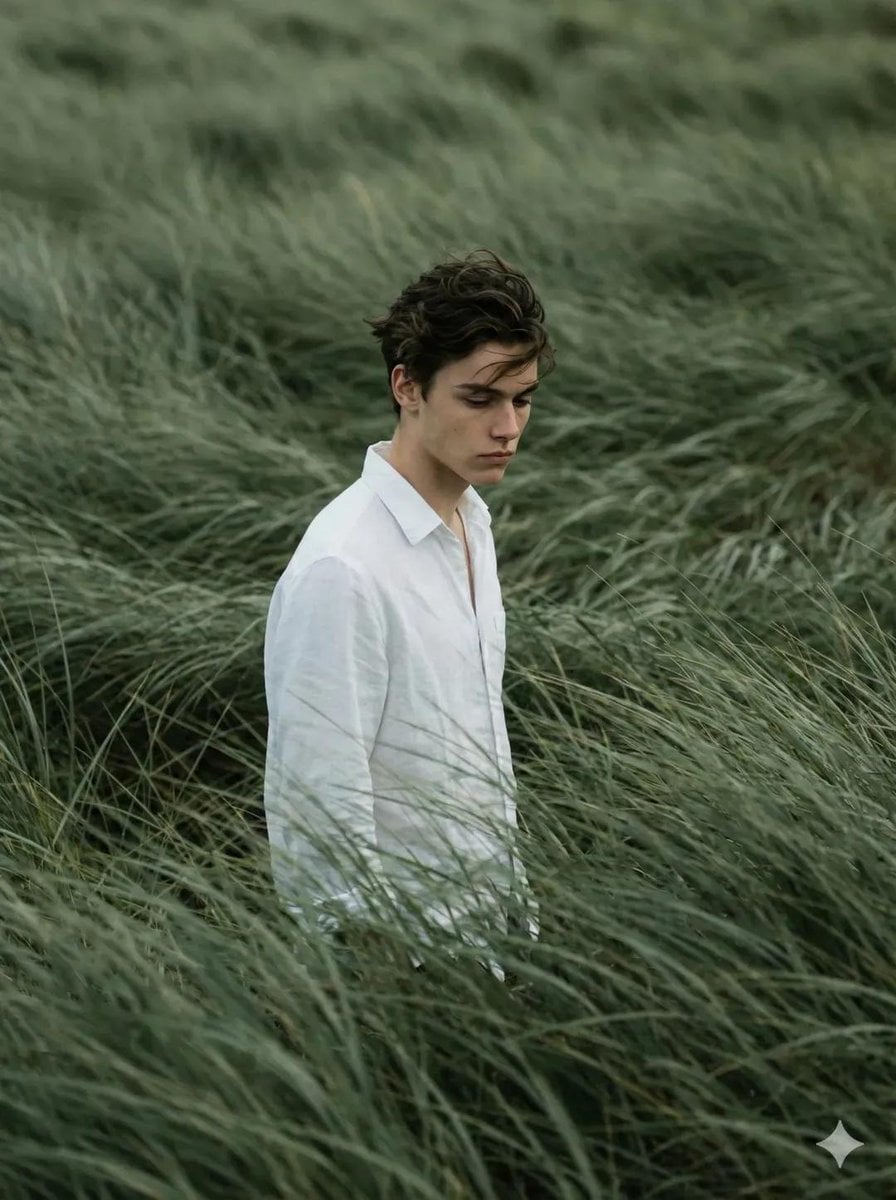
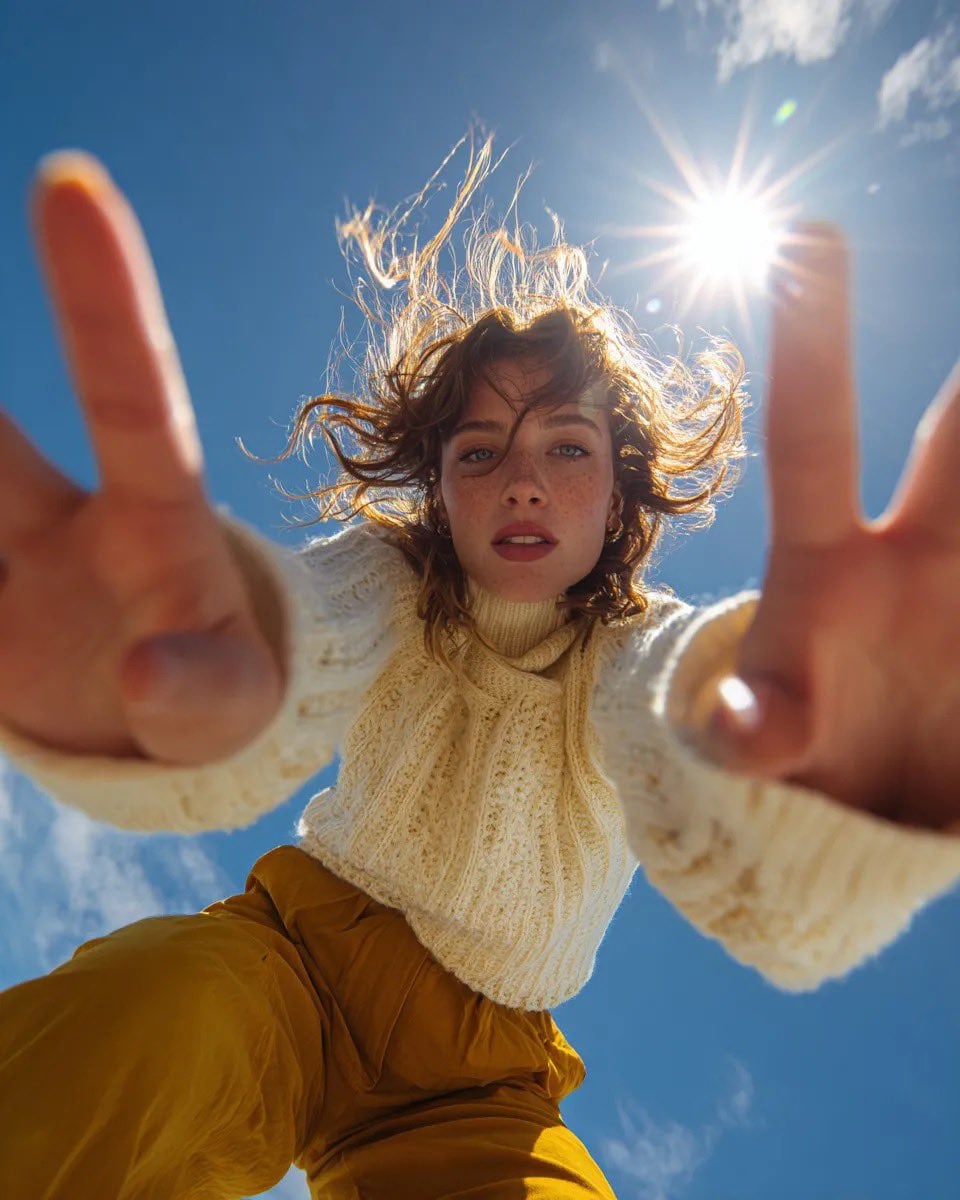
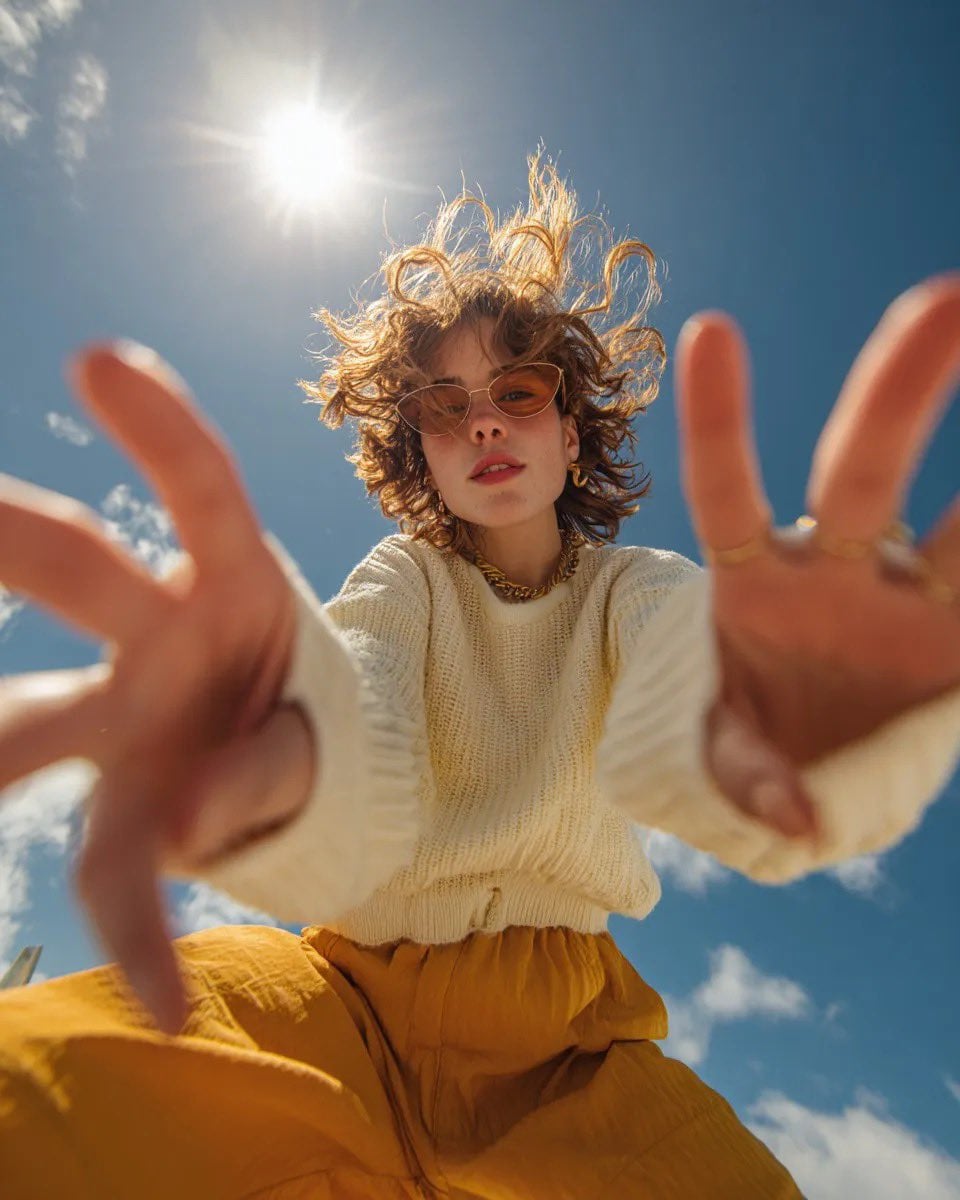
Upload a favorite photo, then ask for anime, cinematic, oil painting, watercolor, cyberpunk, editorial, or 3D styles. BYFlux keeps the useful reference structure while exploring a new art direction.
Restyle a photoUpload a reference image, describe the transformation, and generate a polished variation with BYFlux.
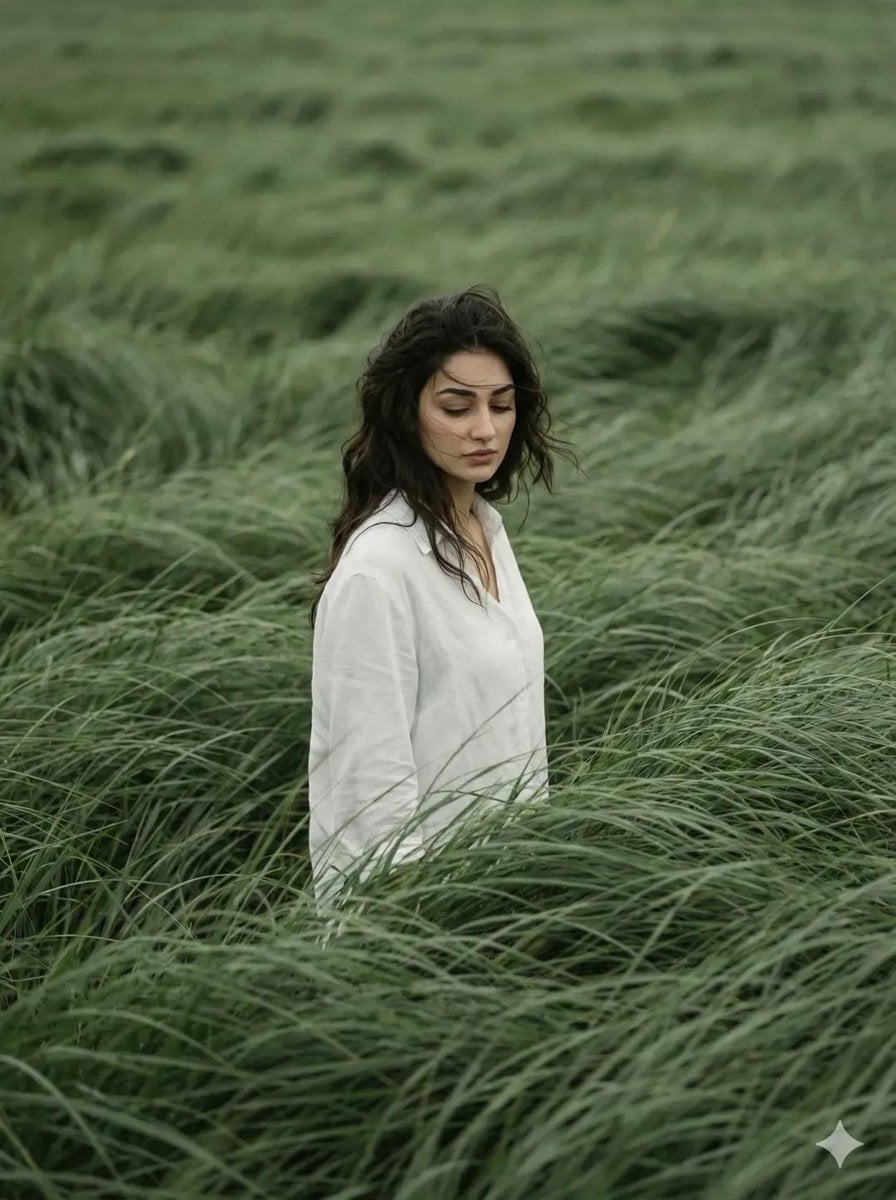
Try it nowImage to image
Start from an existing image, then change style, background, lighting, detail, or mood while keeping the subject recognizable.
Unlike text-to-image, this workflow uses your upload as visual context. BYFlux keeps the reference structure in view, then follows your prompt to create a controlled variation.
Use it for style exploration, product variants, restored photos, character consistency, or brand assets that need to feel related across a campaign.


Use a source image to guide the result, then refine the prompt until the variation feels ready to publish.
Use cases
The same upload-and-prompt flow can cover style exploration, concept iteration, photo repair, and consistent character or product visuals.

Upload a favorite photo, then ask for anime, cinematic, oil painting, watercolor, cyberpunk, editorial, or 3D styles. BYFlux keeps the useful reference structure while exploring a new art direction.
Restyle a photo
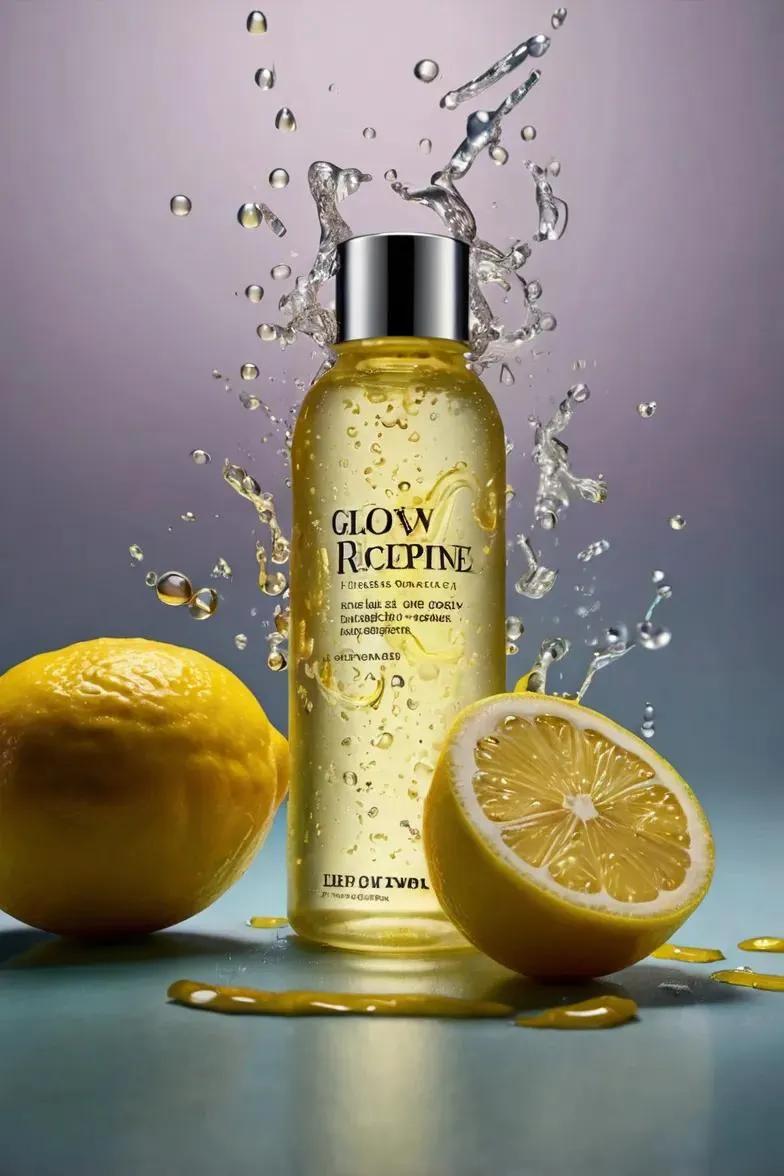
Start from a sketch, mockup, product photo, or rough visual idea and generate multiple polished directions for campaigns, UI graphics, posters, brand visuals, or concept art.
Explore concepts
Use prompts to improve detail, adjust color, change lighting, clean up composition, or make an older image feel sharper and more usable for a modern campaign.
Improve an image
Guide new shots with the same subject, outfit, product silhouette, or brand mood so your visuals feel like they belong to one campaign instead of disconnected one-off generations.
Build consistencyHow it works
The workflow stays simple: upload the source, describe the change, then choose the model and output settings that match your goal.
Choose a clear portrait, product shot, sketch, poster, interior, or brand visual. You can add multiple references when the selected model supports it.
Write the prompt like an editing brief: specify the style, background, lighting, color palette, mood, or details you want to preserve or change.
Pick the model, aspect ratio, and resolution, then generate. Download the best result or send it back through BYFlux for another refinement pass.
Core features
BYFlux gives image-to-image creators the controls that matter: reference uploads, model choice, high-resolution output, and commercial-ready usage.
Upload a photo or artwork and let BYFlux reimagine it in a new style, mood, or composition with a simple prompt.
Combine up to five reference images with your prompt to keep the look you want while exploring new variations.
Choose between GPT Image and Nano Banana models to control quality, fidelity, and generation speed.
Use every transformed image freely for commercial, marketing, and client projects.
Why BYFlux
A focused workspace for quick experiments and finished visuals, built around real generation controls instead of a complicated editor timeline.
No layers, masks, or confusing menus. Upload an image, write the change you want, and generate a new direction.
Switch between Flux, GPT Image, and Nano Banana options to balance fidelity, style, speed, and cost.
Create variations quickly, compare directions, and keep refining until the output matches your campaign or creative brief.
Generate crisp images for social posts, ads, ecommerce, posters, portfolios, and client-facing visual work.
Choose the plan that fits your needs
Total: $90/year
Perfect for individual creators getting started
Total: $290/year
Scale your content creation with more power
Total: $590/year
Professional studio-grade image production
FAQs
Upload a reference image, describe the change, and generate your first transformation with BYFlux for free.